SKU: OT851-C35 Artikelnummer: XI343 EAN: 4252580702508

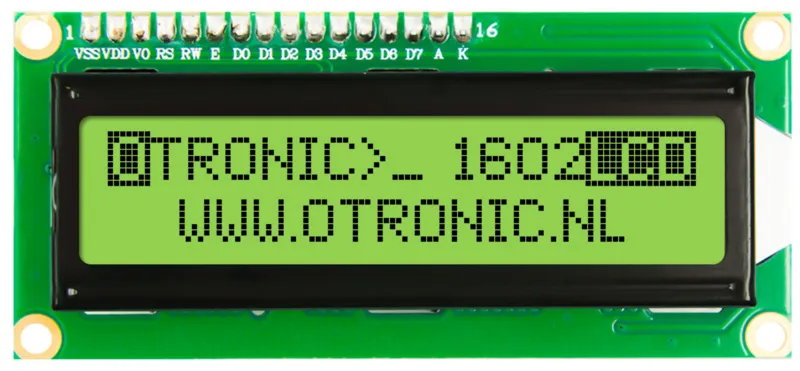
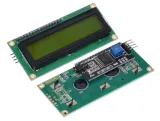
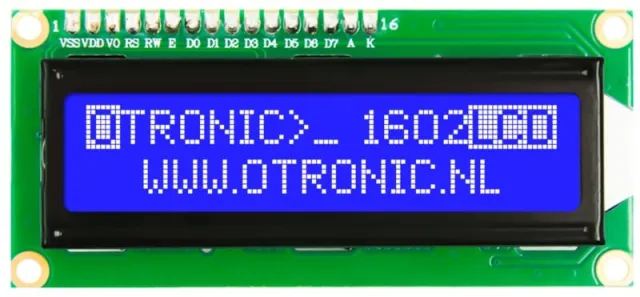
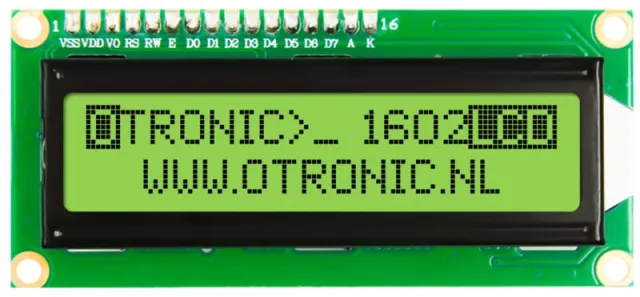
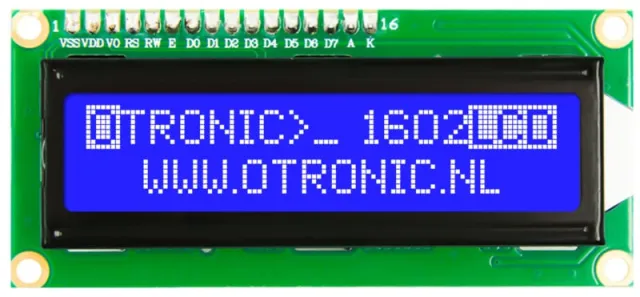
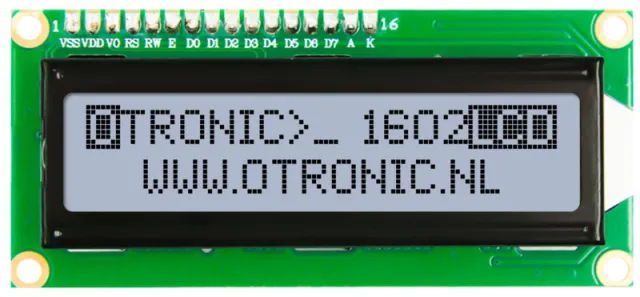
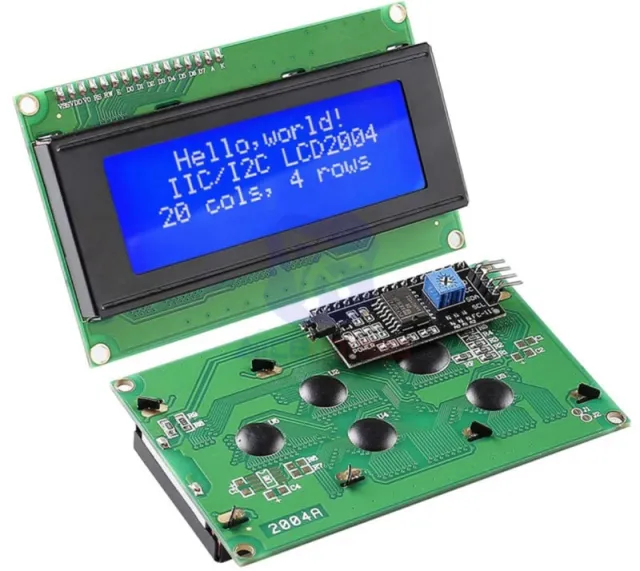
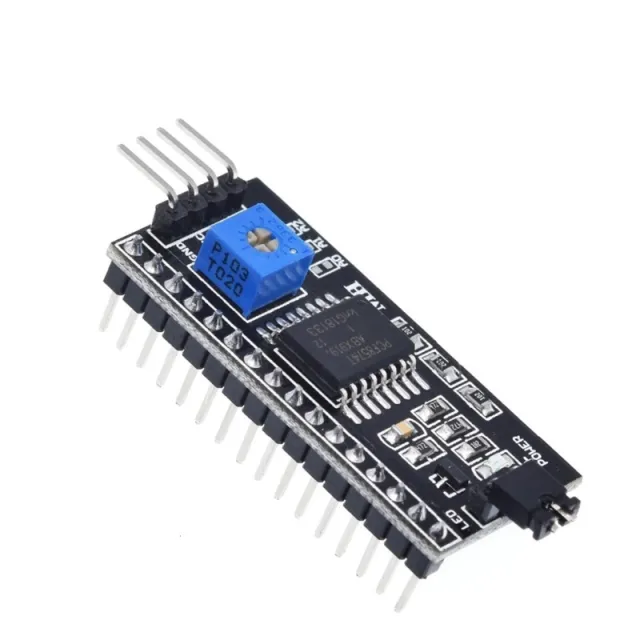
1602 LCD mit vorverlötetem I2C-Modul. Direkt verwendbar in Ihrem Arduino-, ESP32-, ESP8266- oder Raspberry-Pi-Projekt. Viel einfacher als ohne dieses Modul. Jetzt werden nur noch 2 Drähte benötigt, um dieses LCD-Display anzusteuern.
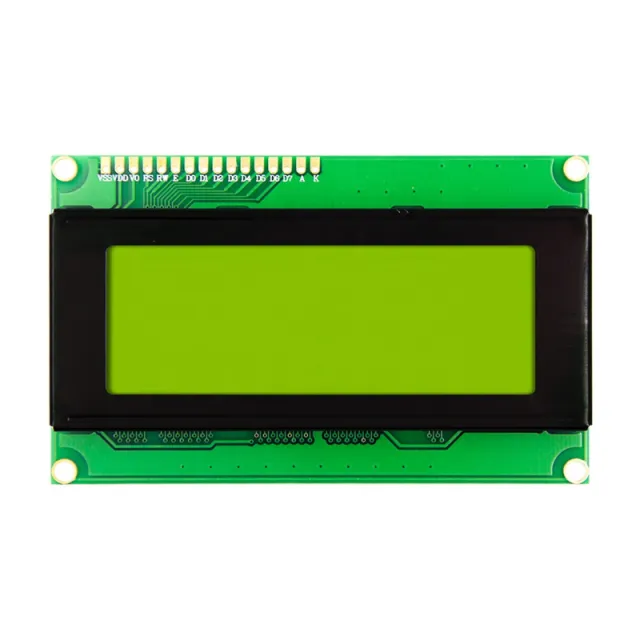
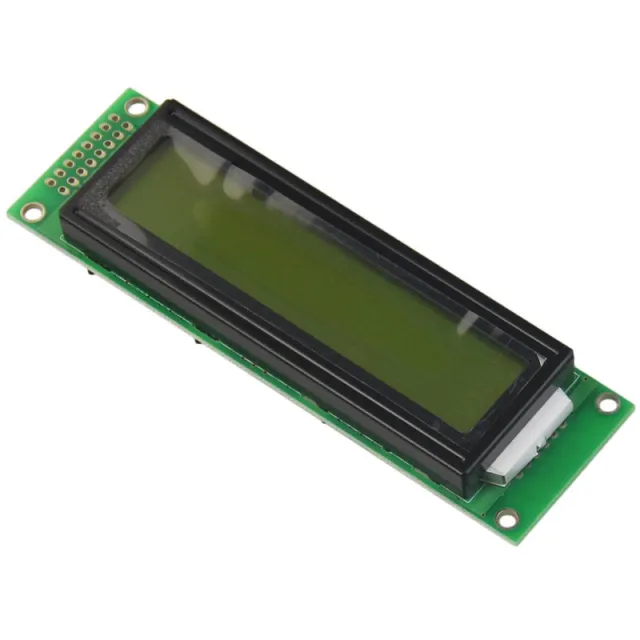
LCD mit grün/gelbem Backlight und schwarzen Zeichen. 2 Zeilen, 16 Zeichen pro Zeile. Kontrast ist (softwaremäßig) einstellbar.
– Funktioniert mit: 5V
– Abmessungen: 98mm x 60mm x 15mm.
Inklusive I2C-Modul!
Schnell loslegen mit diesem OTRONIC 1602 LCD-Display mit I2C-Modul. Laden Sie die OTRONIC 1602 LCD SCHNELLSTART-ANLEITUNG für einen Anschlussplan und Beispielcode für die Arduino-IDE-Software herunter.
Abmessungen
Länge: 8cm
Breite: 3,6cm
Höhe: 1,66cm
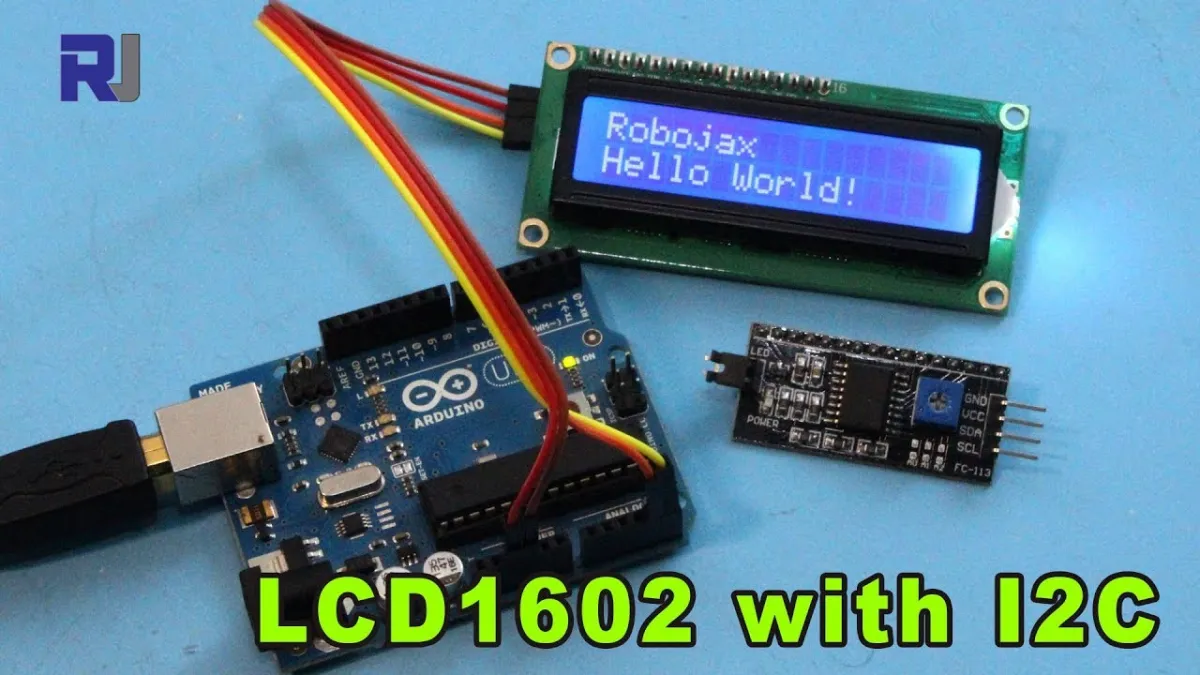
Beim Abspielen wird das Video von YouTube geladen.
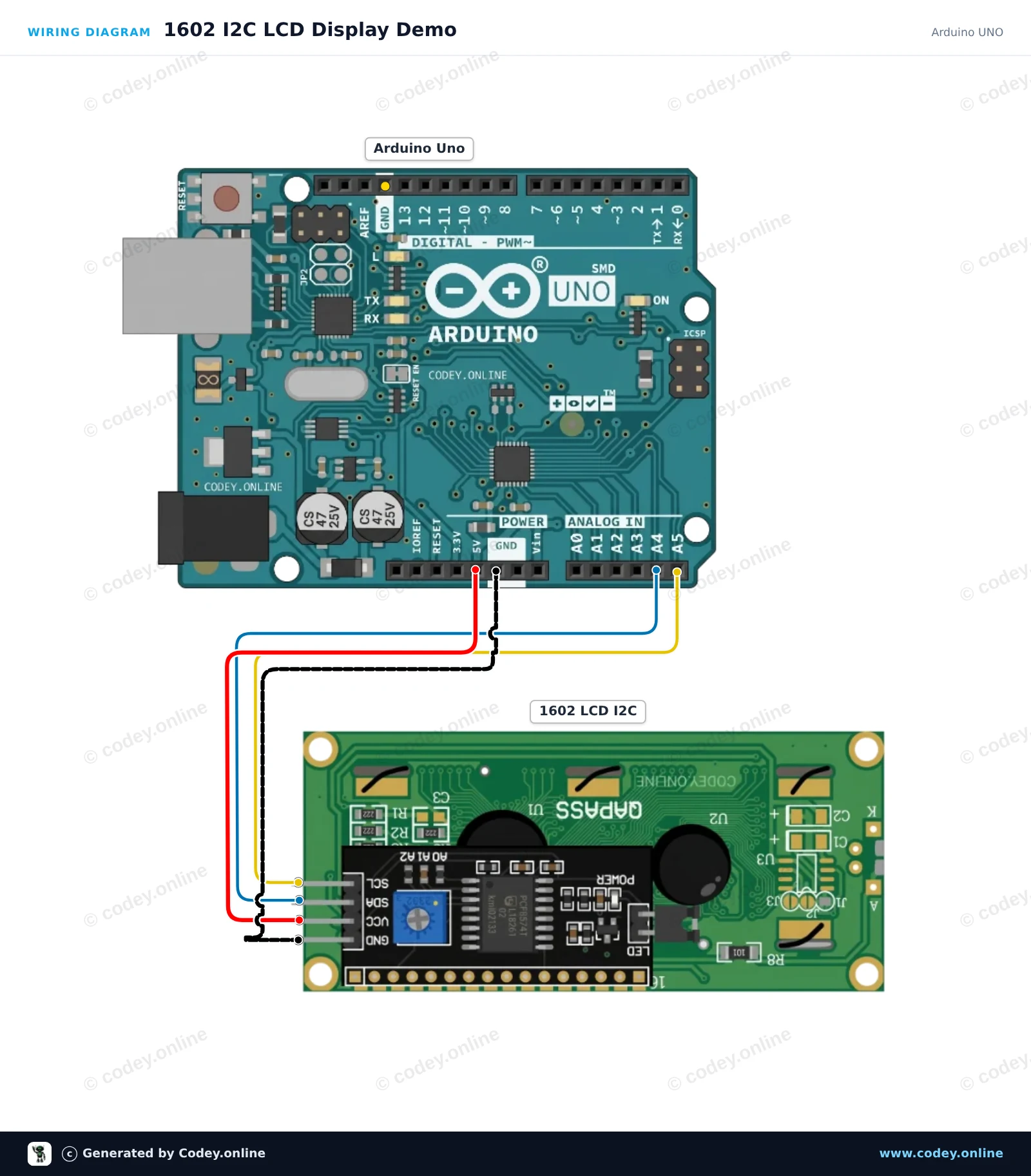
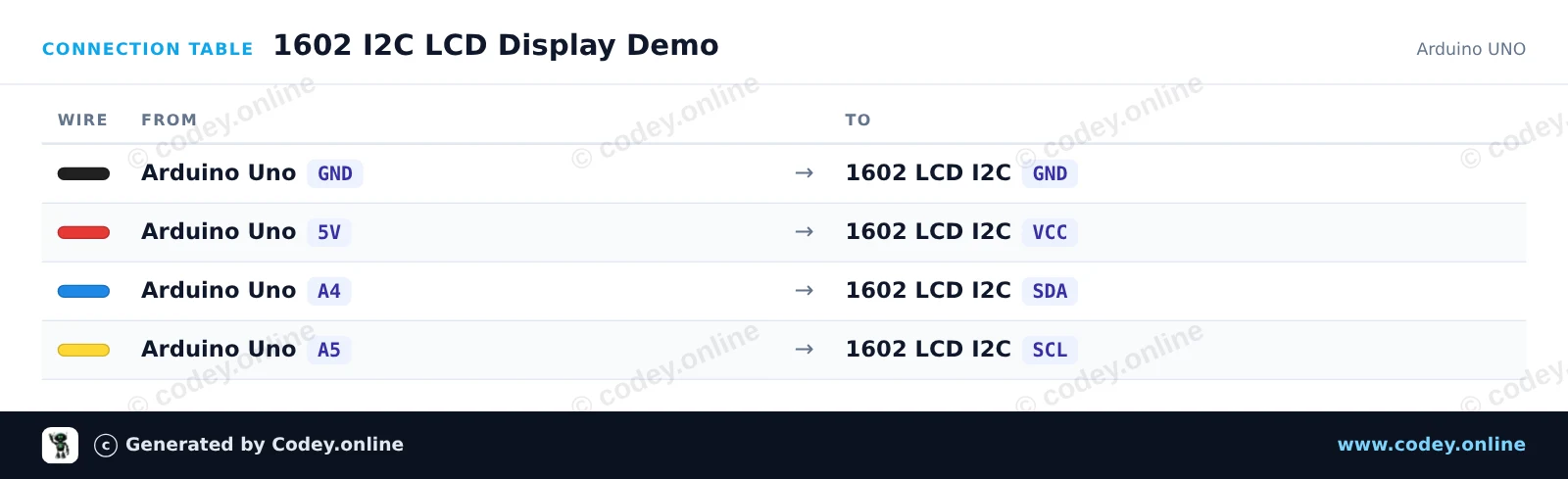
So schließt du den 1602 LCD grün/gelb Backlight mit I2C vorverlötet an einen Arduino UNO oder ESP32 an, mit einem Beispiel-Sketch, den du direkt hochladen kannst.
Dieses Projekt verbindet ein 16x2-Zeichen-LCD über I2C mit einem Arduino Uno. Das Display initialisiert sich, schaltet die Hintergrundbeleuchtung ein, zeigt auf der ersten Zeile eine Begrüßungsnachricht an und zählt die Laufzeit in Sekunden auf der zweiten Zeile.
/*
 * ==================================================================
 *  Generated by Codey.online  —  https://www.codey.online
 * ==================================================================
 *  Project   : 1602 I2C LCD Display Demo
 *  Board     : Arduino UNO (arduino:avr:uno)
 *  Parts     : 1602 LCD I2C DISPLAY
 *  Libraries : LiquidCrystal I2C 1.1.2
 *
 *  Codey Online is an AI-powered browser IDE for Arduino and ESP32.
 *  Describe your project and Codey writes the code, draws the wiring
 *  diagram and uploads it to your board, straight from the browser.
 *  This code is free to use, modify and share, without warranty.
 * ==================================================================
 */

#include <Wire.h>
#include <LiquidCrystal_I2C.h>

// Common I2C addresses are 0x27 or 0x3F for 1602 LCD modules
LiquidCrystal_I2C lcd(0x27, 16, 2);

void setup() {
  Serial.begin(115200);

  lcd.init();
  lcd.backlight();

  lcd.setCursor(0, 0);
  lcd.print(F("Hello, Arduino!"));
  Serial.println(F("LCD initialized successfully."));
}

void loop() {
  unsigned long seconds = millis() / 1000;

  lcd.setCursor(0, 1);
  lcd.print(F("Uptime: "));
  lcd.print(seconds);
  lcd.print(F("s   "));

  delay(500);
}Benötigte Bibliotheken: LiquidCrystal I2C 1.1.2
Wiring diagram and example code generated by Codey.online — https://www.codey.online
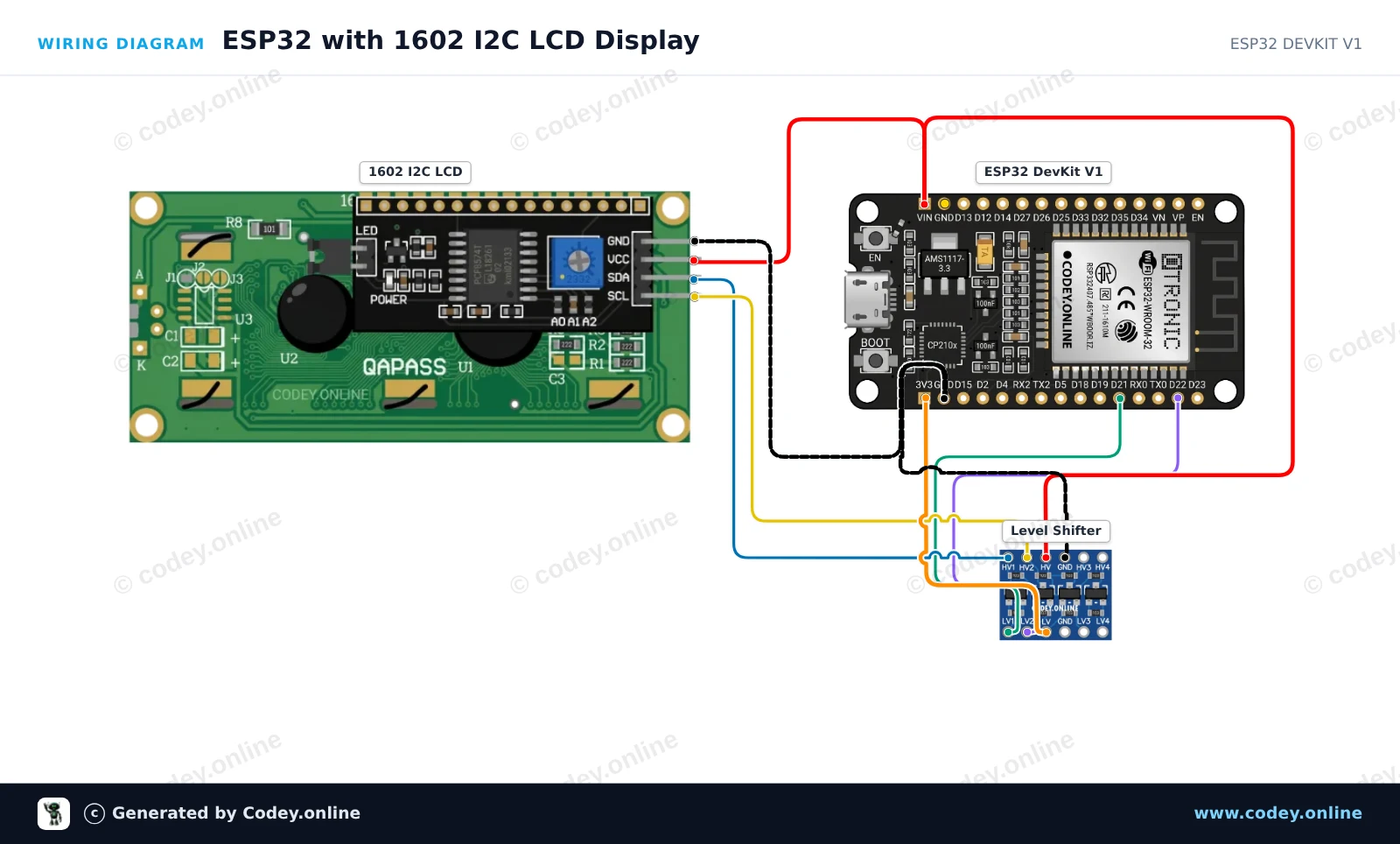
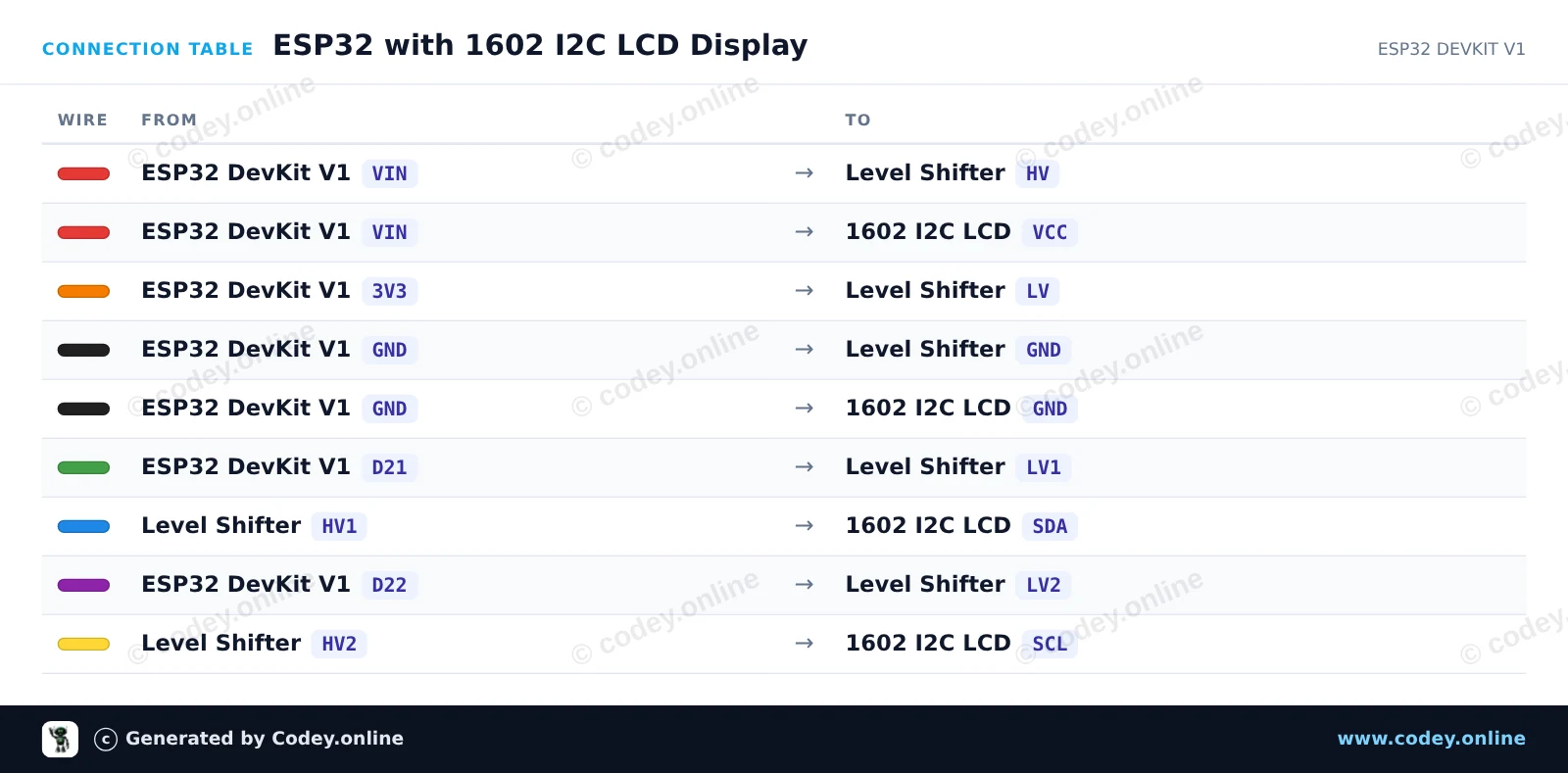
Dieses Projekt zeigt, wie man ein 1602-LCD-Display über ein I2C-Backpack anschließt und Text darauf anzeigt. Ein bidirektionaler 4-Kanal-Pegelwandler wird verwendet, um die 3.3V-I2C-Signale des ESP32 sicher auf die 5V-Signale zu übersetzen, die das LCD-Modul benötigt. Nach dem Hochladen zeigt das LCD eine Willkommensnachricht an und aktualisiert jede Sekunde einen Uptime-Zähler.
/*
 * ==================================================================
 *  Generated by Codey.online  —  https://www.codey.online
 * ==================================================================
 *  Project   : ESP32 with 1602 I2C LCD Display
 *  Board     : ESP32 DEVKIT V1 (esp32:esp32:esp32doit-devkit-v1)
 *  Parts     : 1602 LCD I2C DISPLAY
 *  Libraries : LiquidCrystal I2C 1.1.2
 *
 *  Codey Online is an AI-powered browser IDE for Arduino and ESP32.
 *  Describe your project and Codey writes the code, draws the wiring
 *  diagram and uploads it to your board, straight from the browser.
 *  This code is free to use, modify and share, without warranty.
 * ==================================================================
 */

#include <Wire.h>
#include <LiquidCrystal_I2C.h>

// Set the LCD address (commonly 0x27 or 0x3F) for a 16 chars and 2 line display
LiquidCrystal_I2C lcd(0x27, 16, 2);

void setup() {
  // Initialize I2C on default ESP32 pins (SDA=21, SCL=22)
  Wire.begin(21, 22);

  lcd.init();
  lcd.backlight();

  // Display greeting
  lcd.setCursor(0, 0);
  lcd.print("ESP32 LCD Demo");
  lcd.setCursor(0, 1);
  lcd.print("Uptime: ");
}

void loop() {
  // Update uptime in seconds
  lcd.setCursor(8, 1);
  lcd.print(millis() / 1000);
  lcd.print("s   ");
  delay(1000);
}Benötigte Bibliotheken: LiquidCrystal I2C 1.1.2
Wiring diagram and example code generated by Codey.online — https://www.codey.online






 English
  Nederlands
  Frans
Frans  Italiano
  Español
  Suomi
Suomi  Polski
  Dansk
Dansk  Ελληνικά
  Български
  Čeština
  Hrvatski
  Aileen