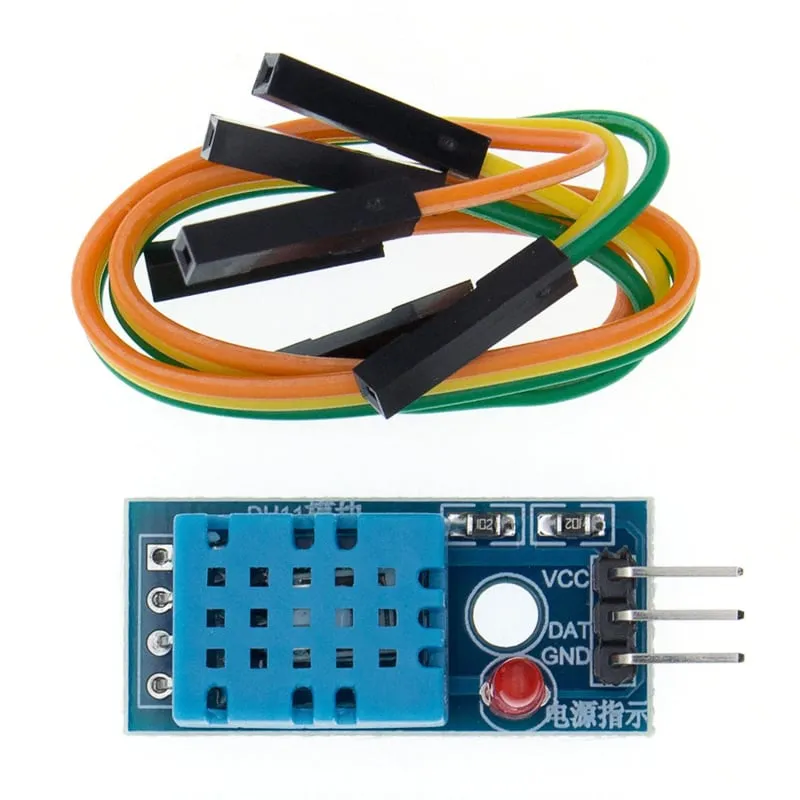
SKU: OT714-D61 Artikelnummer: AB058 EAN: 8756742620748

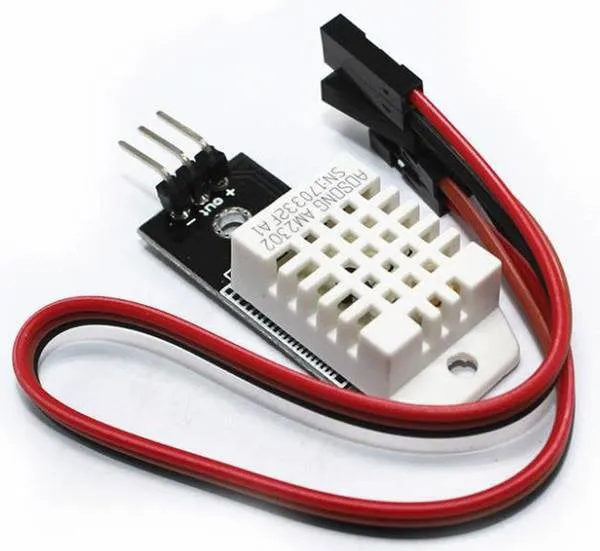
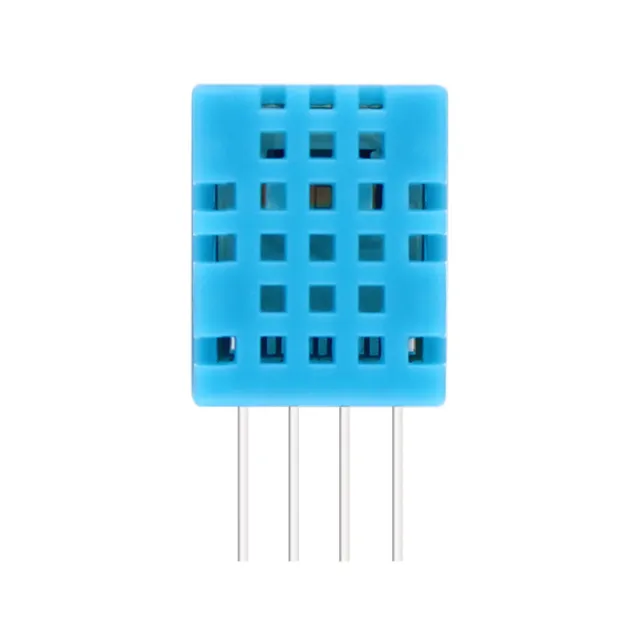
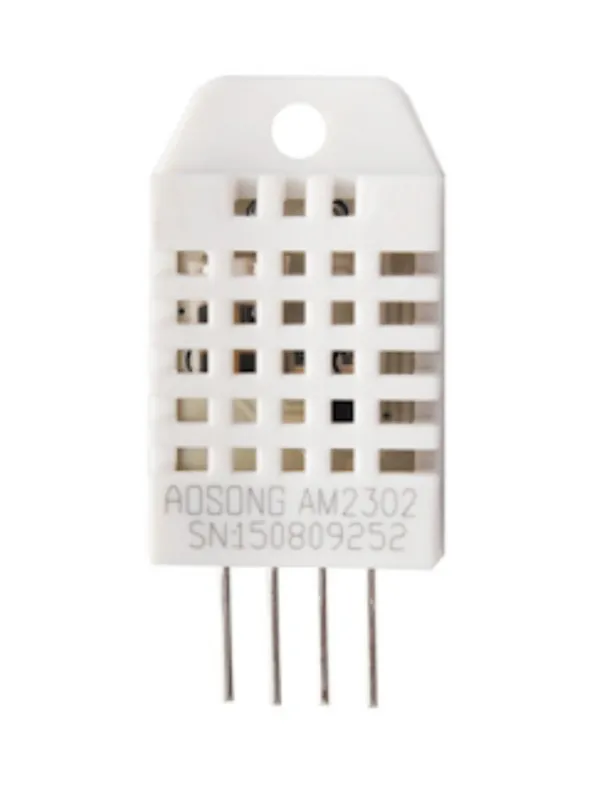
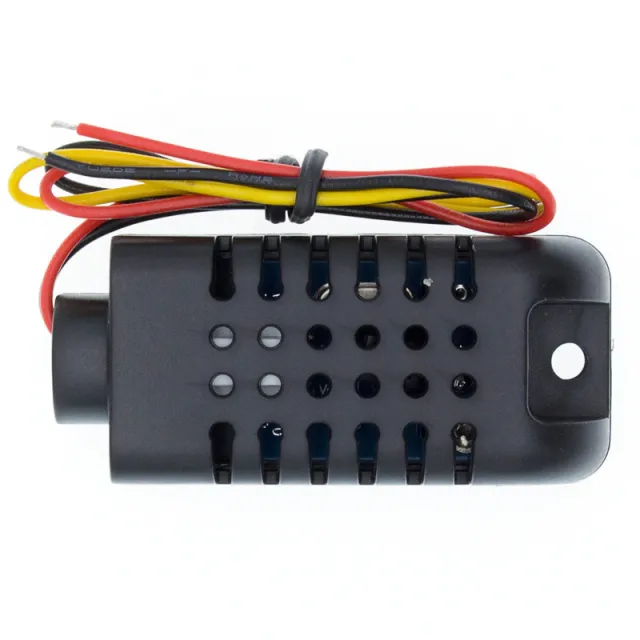
Dies ist die kleinere und etwas weniger genaue Version des DHT22. Der Sensor misst sowohl Temperatur als auch Luftfeuchtigkeit.
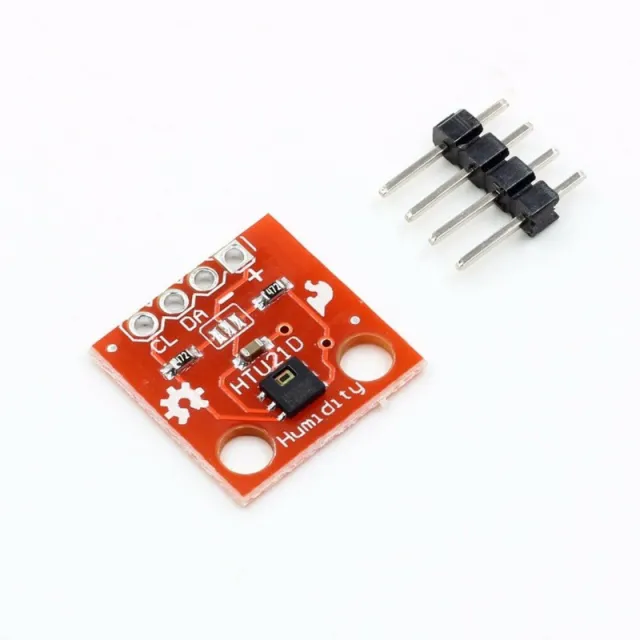
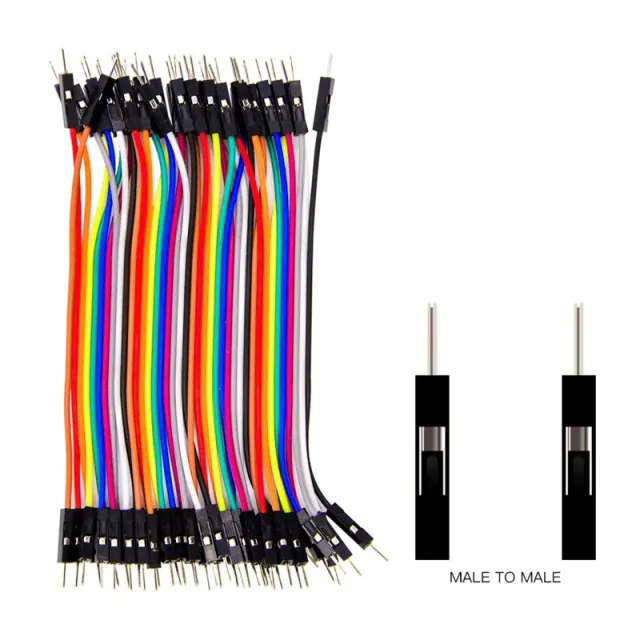
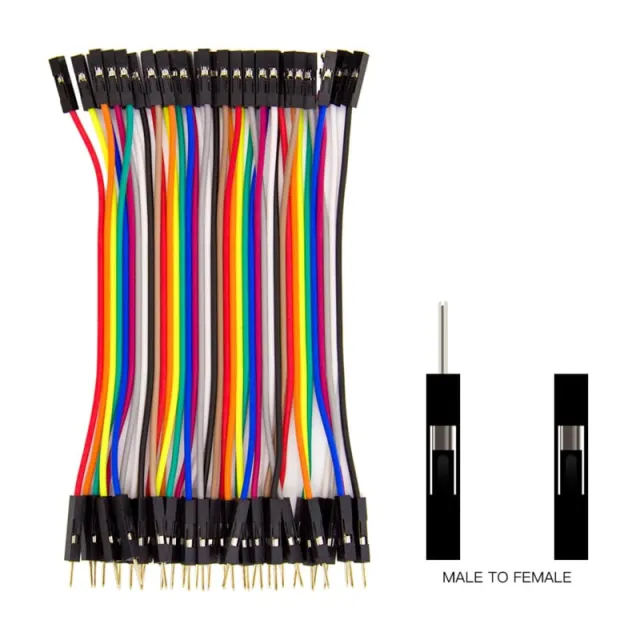
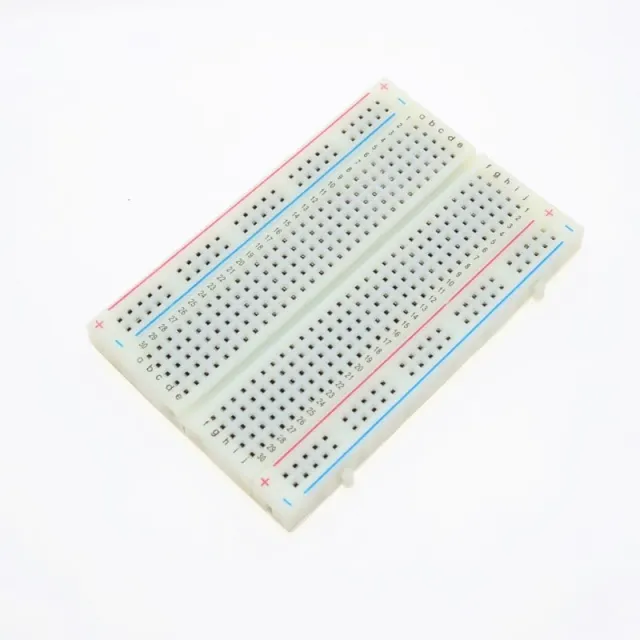
Modul geeignet für Breadboard und Dupont-Kabel (mitgeliefert)
Temperaturmessbereich ist 0 bis 50 Grad Celsius.
Genauigkeit von +/- 2 Grad
Strom: 3.3v bis 6v
Inkl. Dupont-Kabel
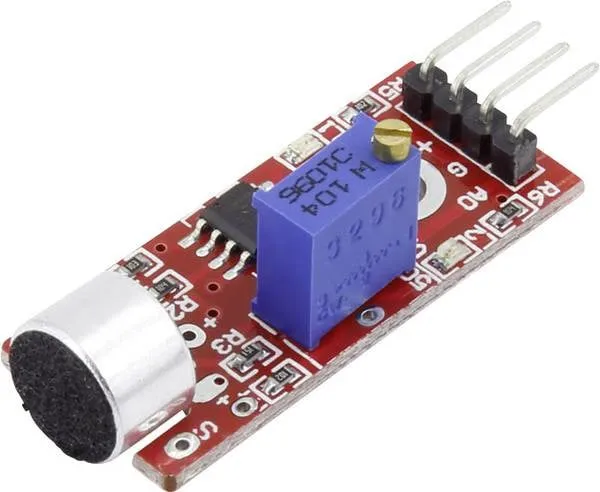
LED-Anzeige
Abmessungen
Länge: 3,1cm
Breite: 1,44cm
Höhe: 0,75cm
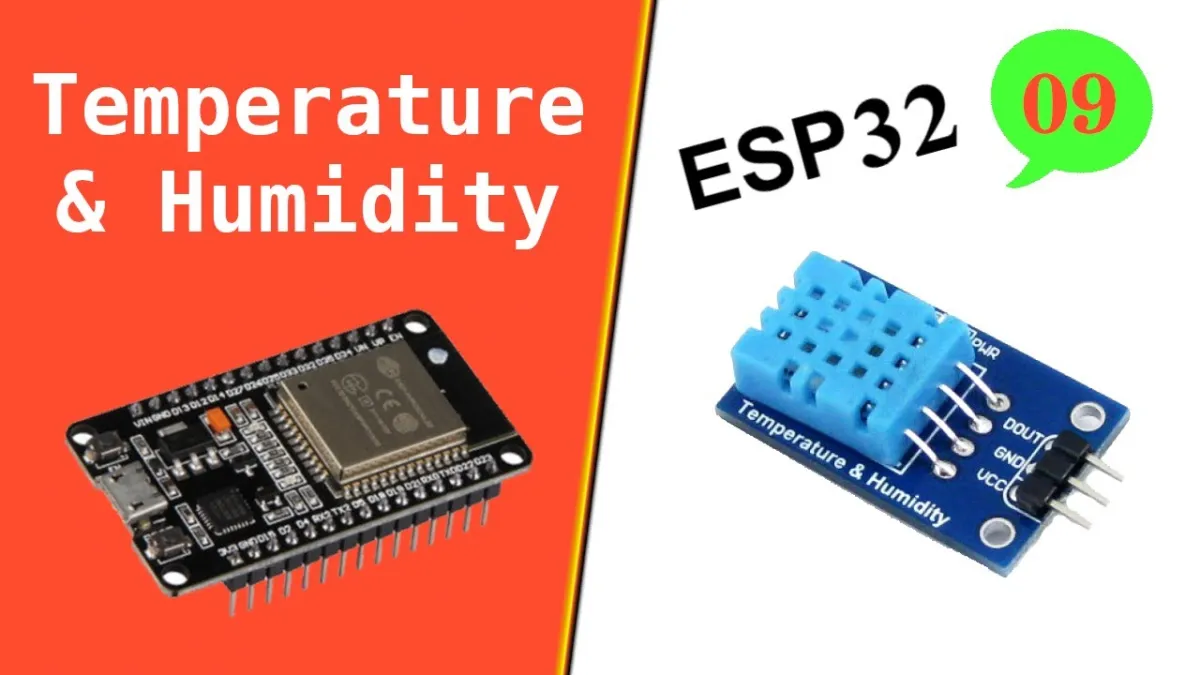
Beim Abspielen wird das Video von YouTube geladen.
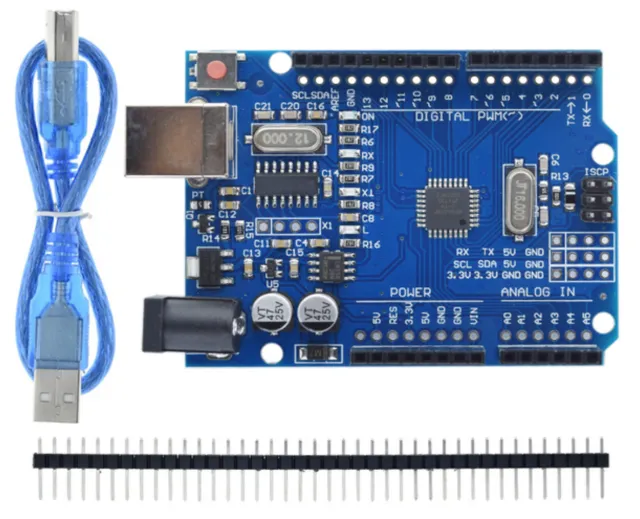
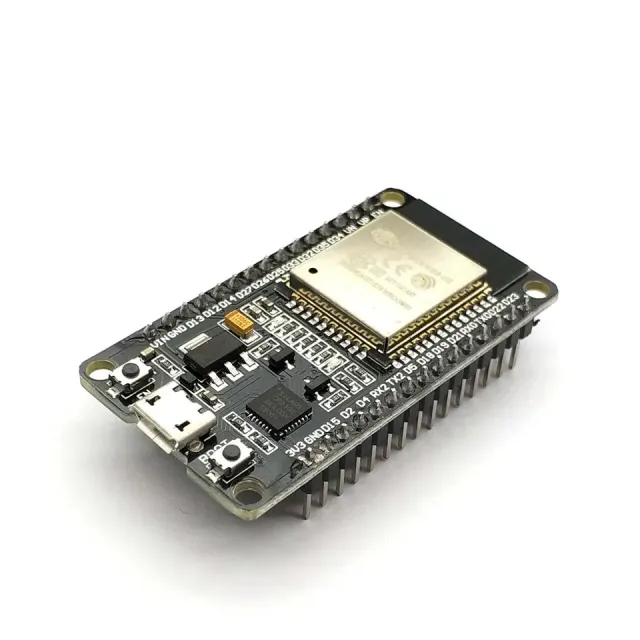
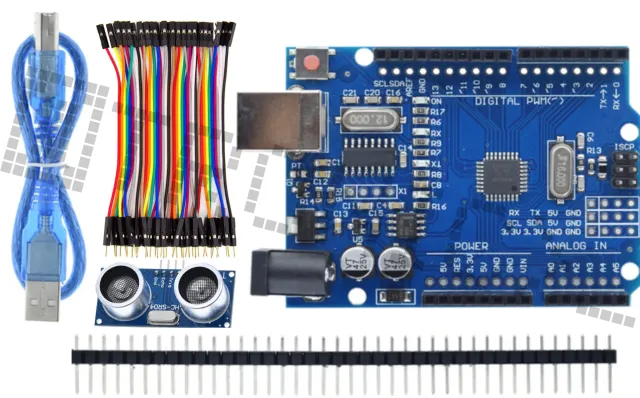
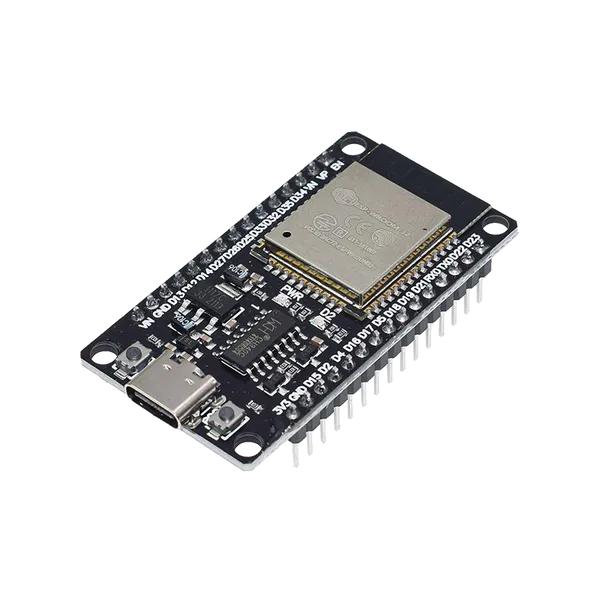
So schließt du den Temperatur- und Luftfeuchtigkeitssensor in 1| DHT11 Modul für Arduino an einen Arduino UNO oder ESP32 an, mit einem Beispiel-Sketch, den du direkt hochladen kannst.
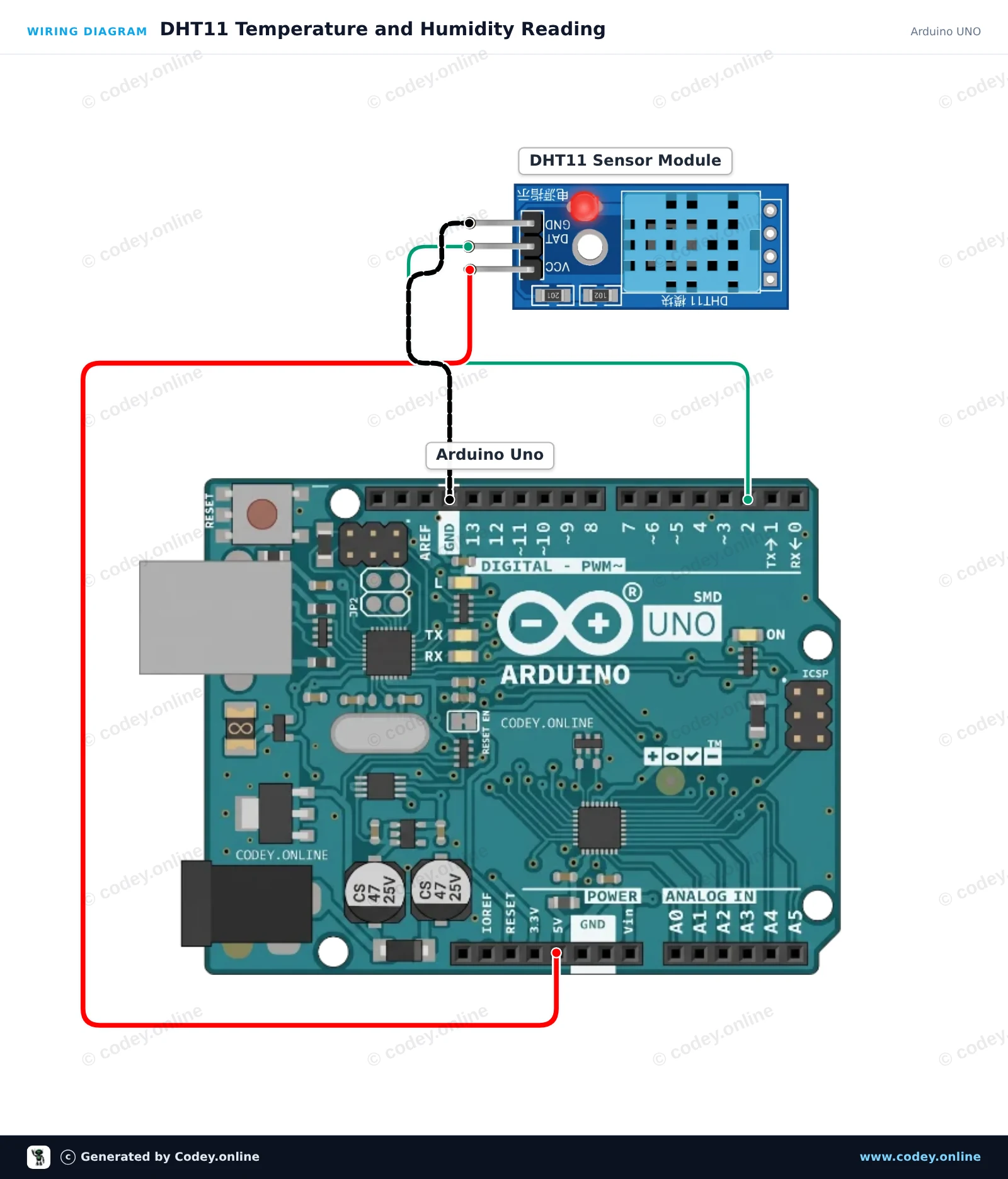
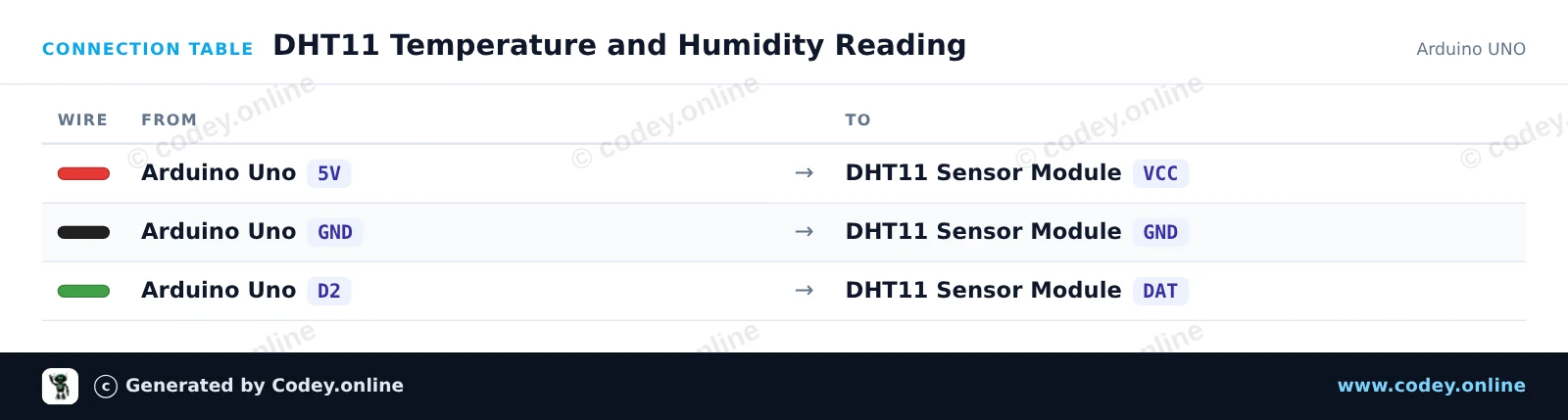
Dieses Projekt liest Temperatur- und Feuchtigkeitsdaten vom DHT11-Sensormodul aus und gibt die Messwerte alle zwei Sekunden im Seriellen Monitor aus. Verdrahte das Modul einfach direkt mit 5V, GND und dem digitalen Pin 2 deines Arduino Uno.
/*
 * ==================================================================
 *  Generated by Codey.online  —  https://www.codey.online
 * ==================================================================
 *  Project   : DHT11 Temperature and Humidity Reading
 *  Board     : Arduino UNO (arduino:avr:uno)
 *  Parts     : DHT11 Sensor Module
 *  Libraries : DHT sensor library 1.4.7
 *
 *  Codey Online is an AI-powered browser IDE for Arduino and ESP32.
 *  Describe your project and Codey writes the code, draws the wiring
 *  diagram and uploads it to your board, straight from the browser.
 *  This code is free to use, modify and share, without warranty.
 * ==================================================================
 */

#include <DHT.h>

#define DHTPIN 2
#define DHTTYPE DHT11

DHT dht(DHTPIN, DHTTYPE);

void setup() {
  Serial.begin(115200);
  while (!Serial);
  Serial.println(F("DHT11 Sensor Demo"));
  dht.begin();
}

void loop() {
  // DHT11 sample rate is up to 1 reading every 2 seconds
  delay(2000);

  float humidity = dht.readHumidity();
  float temperature = dht.readTemperature();

  if (isnan(humidity) || isnan(temperature)) {
    Serial.println(F("Failed to read from DHT11 sensor!"));
    return;
  }

  Serial.print(F("Humidity: "));
  Serial.print(humidity, 1);
  Serial.print(F("%  |  Temperature: "));
  Serial.print(temperature, 1);
  Serial.println(F("°C"));
}Benötigte Bibliotheken: DHT sensor library 1.4.7
Wiring diagram and example code generated by Codey.online — https://www.codey.online
Dieses Projekt misst die Umgebungstemperatur und die relative Luftfeuchtigkeit mit dem DHT11-Sensormodul, das an einen ESP32 angeschlossen ist. Die Sensorwerte werden alle 2 Sekunden erfasst und direkt im Serial Monitor mit 115200 baud ausgegeben. Das ist eine einfache Möglichkeit zu überprüfen, ob Ihr DHT11-Sensor ordnungsgemäß funktioniert.
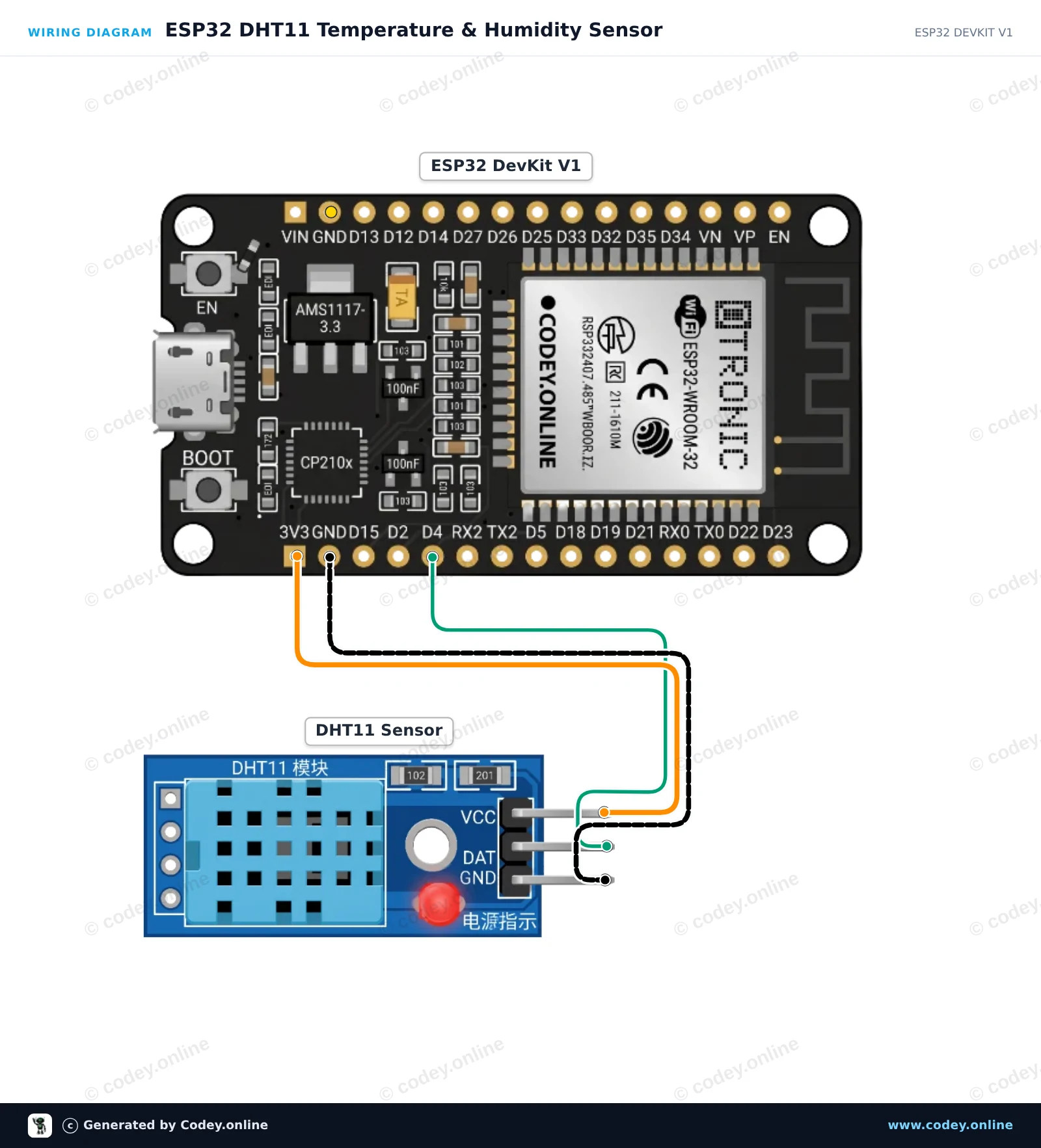
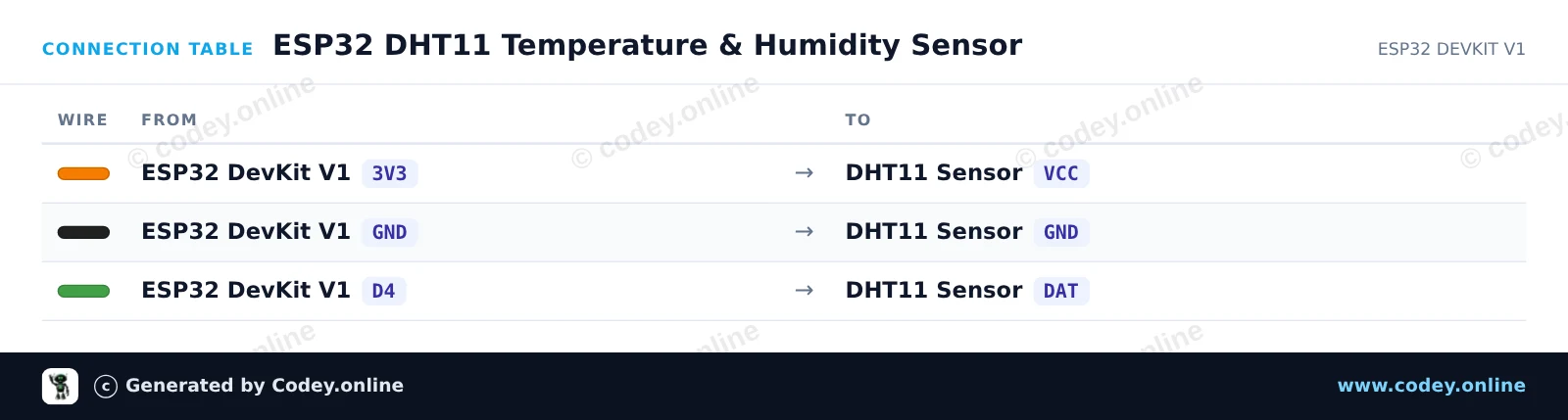
/*
 * ==================================================================
 *  Generated by Codey.online  —  https://www.codey.online
 * ==================================================================
 *  Project   : ESP32 DHT11 Temperature & Humidity Sensor
 *  Board     : ESP32 DEVKIT V1 (esp32:esp32:esp32doit-devkit-v1)
 *  Parts     : DHT11 Sensor Module
 *  Libraries : DHT sensor library 1.4.7
 *
 *  Codey Online is an AI-powered browser IDE for Arduino and ESP32.
 *  Describe your project and Codey writes the code, draws the wiring
 *  diagram and uploads it to your board, straight from the browser.
 *  This code is free to use, modify and share, without warranty.
 * ==================================================================
 */

#include "DHT.h"

#define DHTPIN 4
#define DHTTYPE DHT11

DHT dht(DHTPIN, DHTTYPE);

void setup() {
  Serial.begin(115200);
  Serial.println("DHT11 Sensor Demo");

  dht.begin();
}

void loop() {
  delay(2000);

  float humidity = dht.readHumidity();
  float temperature = dht.readTemperature();

  if (isnan(humidity) || isnan(temperature)) {
    Serial.println("Failed to read from DHT sensor!");
    return;
  }

  Serial.print("Humidity: ");
  Serial.print(humidity);
  Serial.print(" %  |  Temperature: ");
  Serial.print(temperature);
  Serial.println(" °C");
}Benötigte Bibliotheken: DHT sensor library 1.4.7
Wiring diagram and example code generated by Codey.online — https://www.codey.online






 English
  Nederlands
  Frans
Frans  Italiano
  Español
  Suomi
Suomi  Polski
  Dansk
Dansk  Ελληνικά
  Български
  Čeština
  Hrvatski
  Aileen